
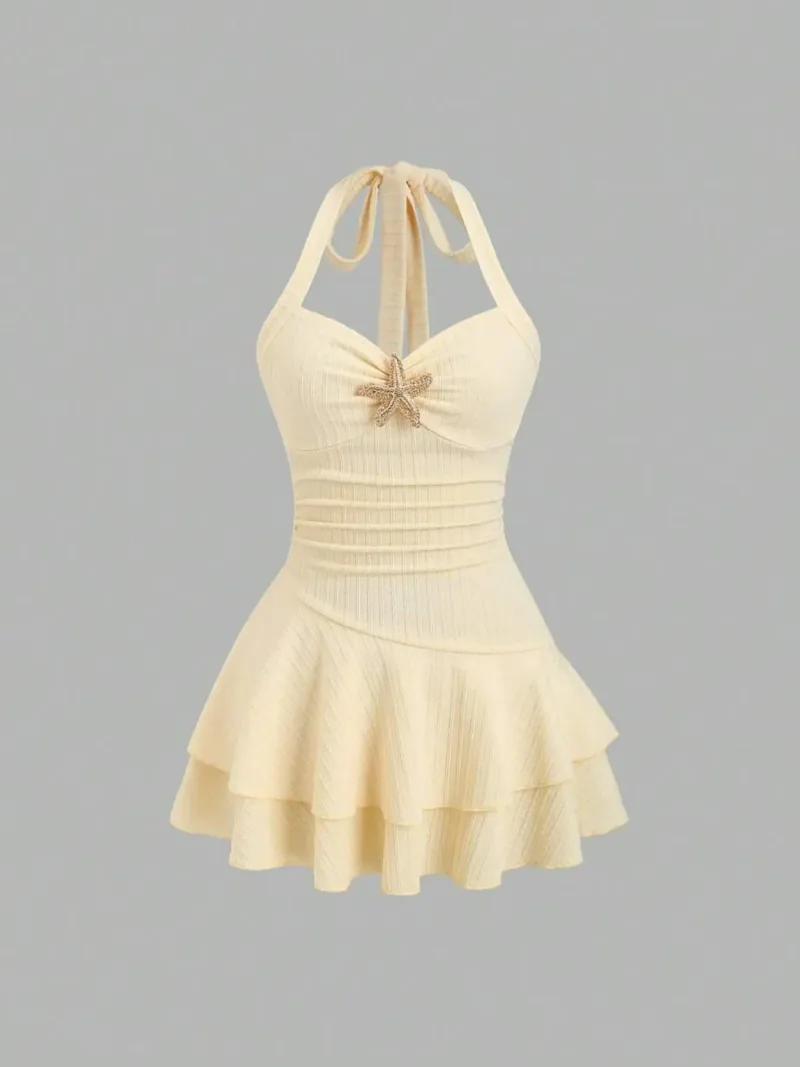
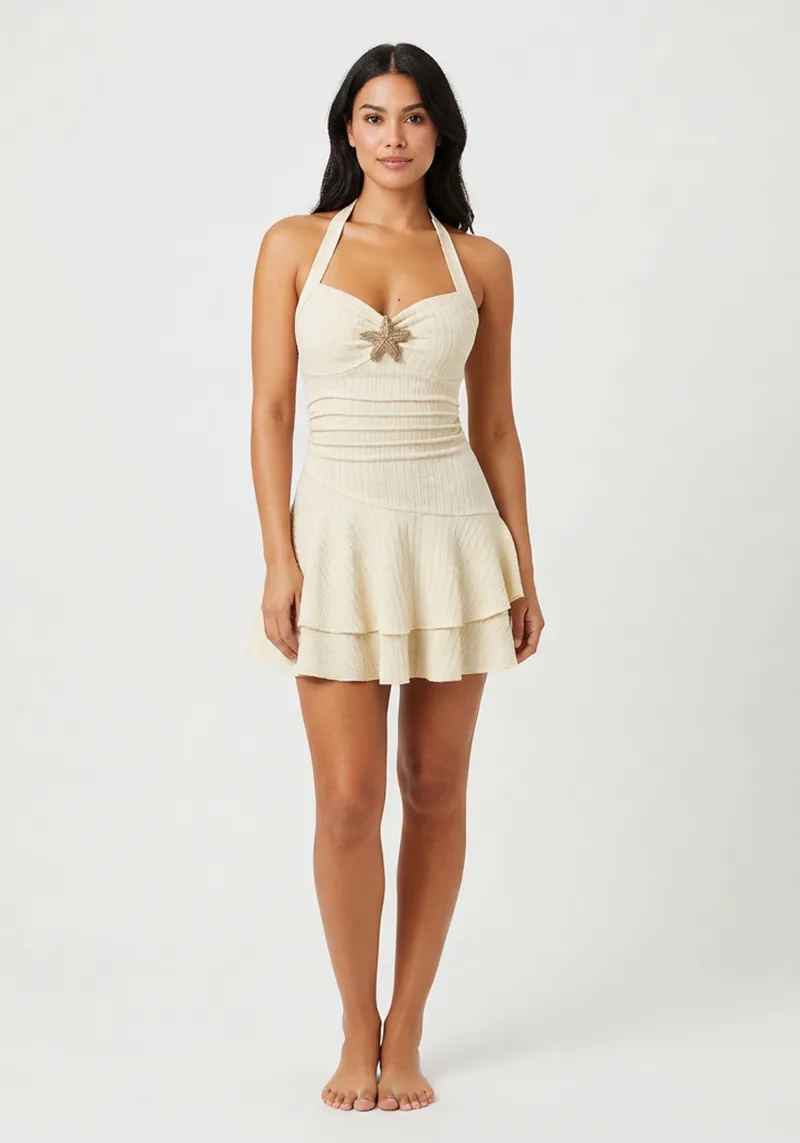
Create a project & upload
Drag product photos into a project workspace. Files upload directly to secure cloud storage.
AI product visuals for sellers
Upload your product image. Moviqen cleans it, understands what you’re selling, and generates try-on shots, lifestyle scenes, and scroll-stopping video — automatically or on your terms.
Drag to compare
Sellers juggle white-background listings, social lifestyle shots, on-model try-ons, and short video — often with different tools, freelancers, and retouching delays. Moviqen runs one pipeline from upload to export: validate, cut out, classify, route, generate, review, and download.
One project. One pipeline.
 Configure
 Complete
One guided pipeline from upload to export — smart routing, cleanup, try-on, lifestyle scenes, animation, and batch workspace tools.
Moviqen’s AI classifies each product — family, type, style, colors, aesthetic quality — and recommends the right path: virtual try-on for apparel, lifestyle scenes for beauty and home goods, or catalog-only cleanup. System Defaults mode runs the best preset for you; power users can override every step.
Upload once — Moviqen picks the right path
Product photo
Single catalog upload
Smart route
Classify & match preset
AI cleanup
Cutout & normalize
Try-on
Apparel & footwear
Lifestyle
Beauty, home & more
Animation
Optional product motion
Every asset starts with AI-powered cleanup: safety checks, blur detection, background removal, normalization, and enhancement. You get six export variants automatically — transparent PNG, white-background JPG, WebP, thumbnails, square 1080, and 4:5 crop — ready for Amazon, Shopify, Instagram, and more.
One upload · six export formats
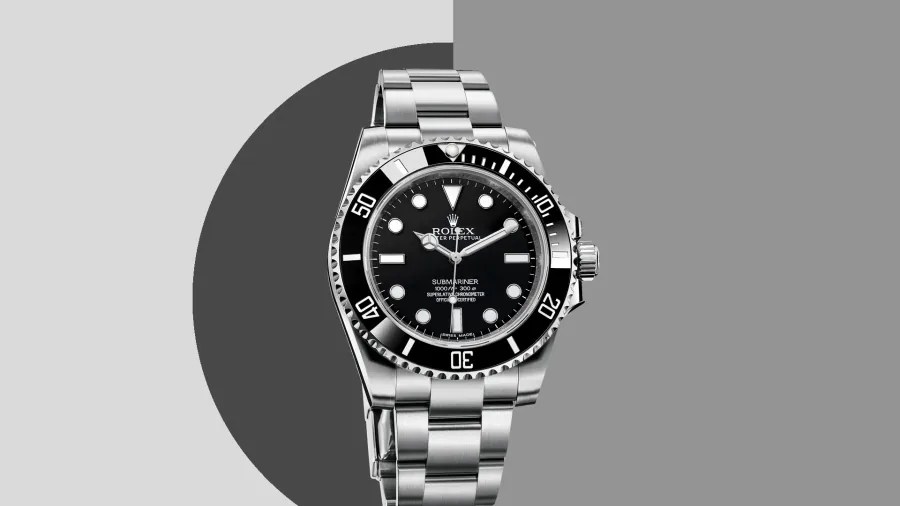
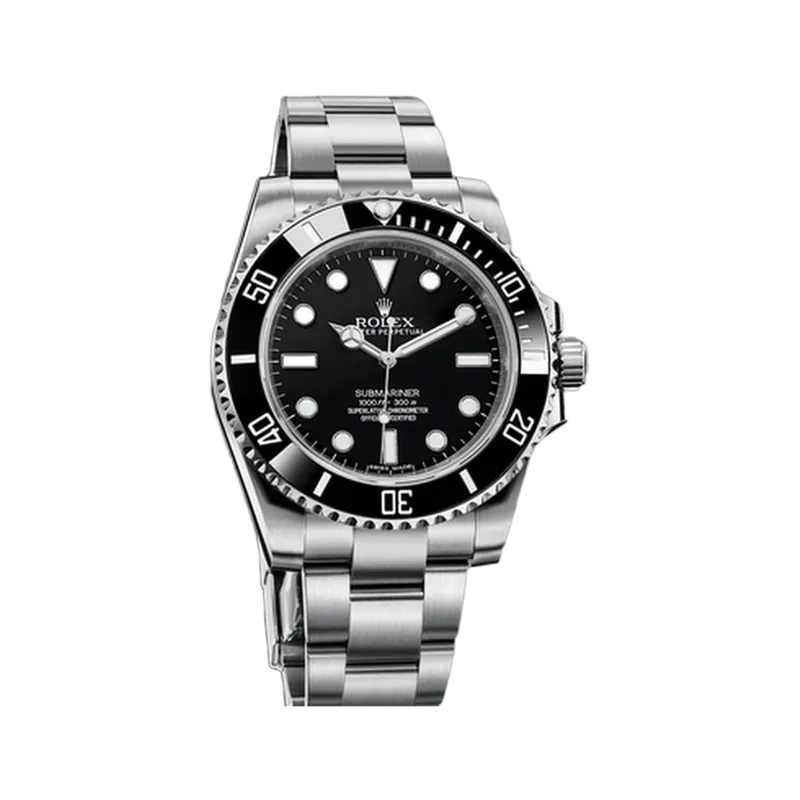
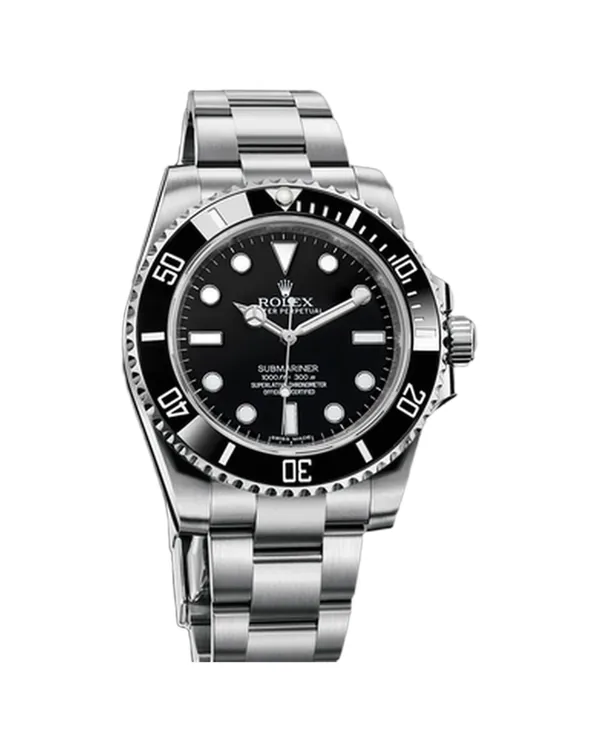
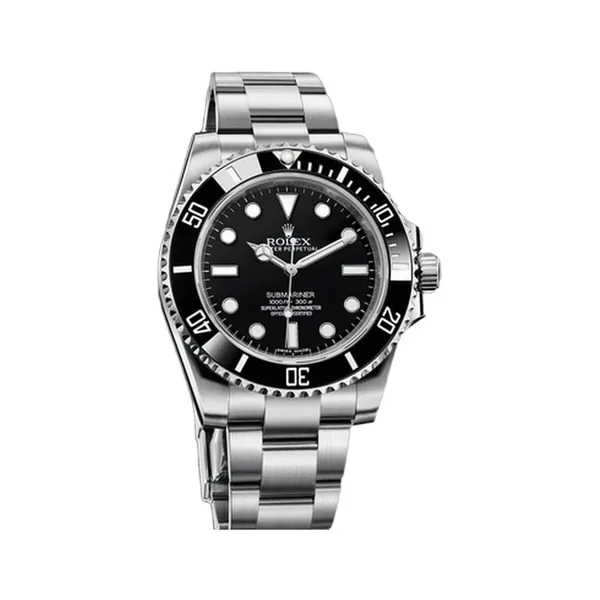
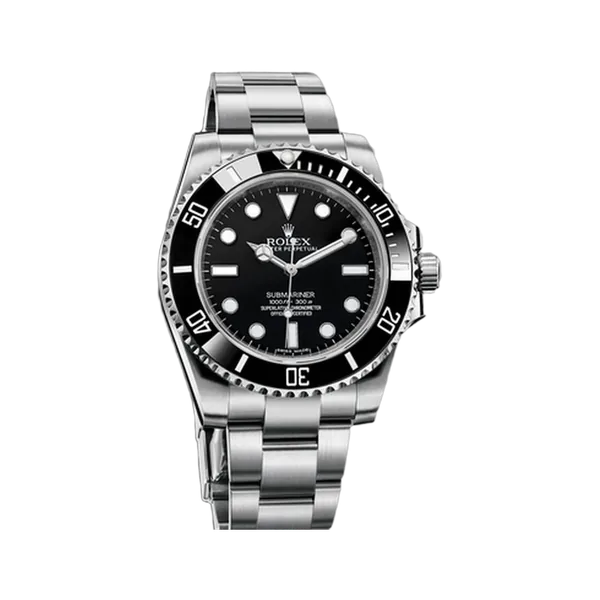
For apparel and footwear, Moviqen places your product on professional catalog models using Google’s virtual try-on — then optionally swaps the background to a paired lifestyle scene. Filter models by gender, age, ethnicity, body type, and look. Auto-pilot picks model and scene from your product metadata and target market.
Garment · virtual try-on · lifestyle scene
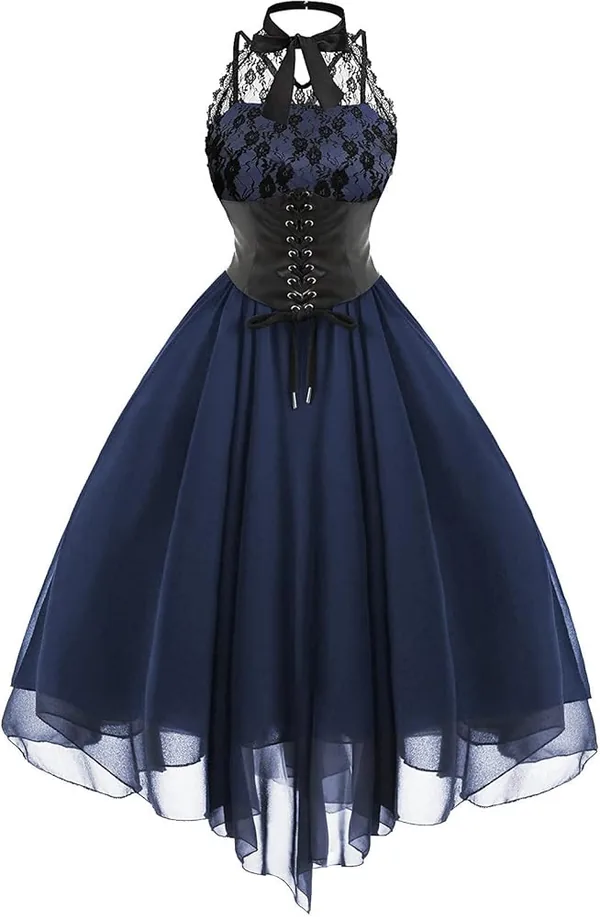 Garment
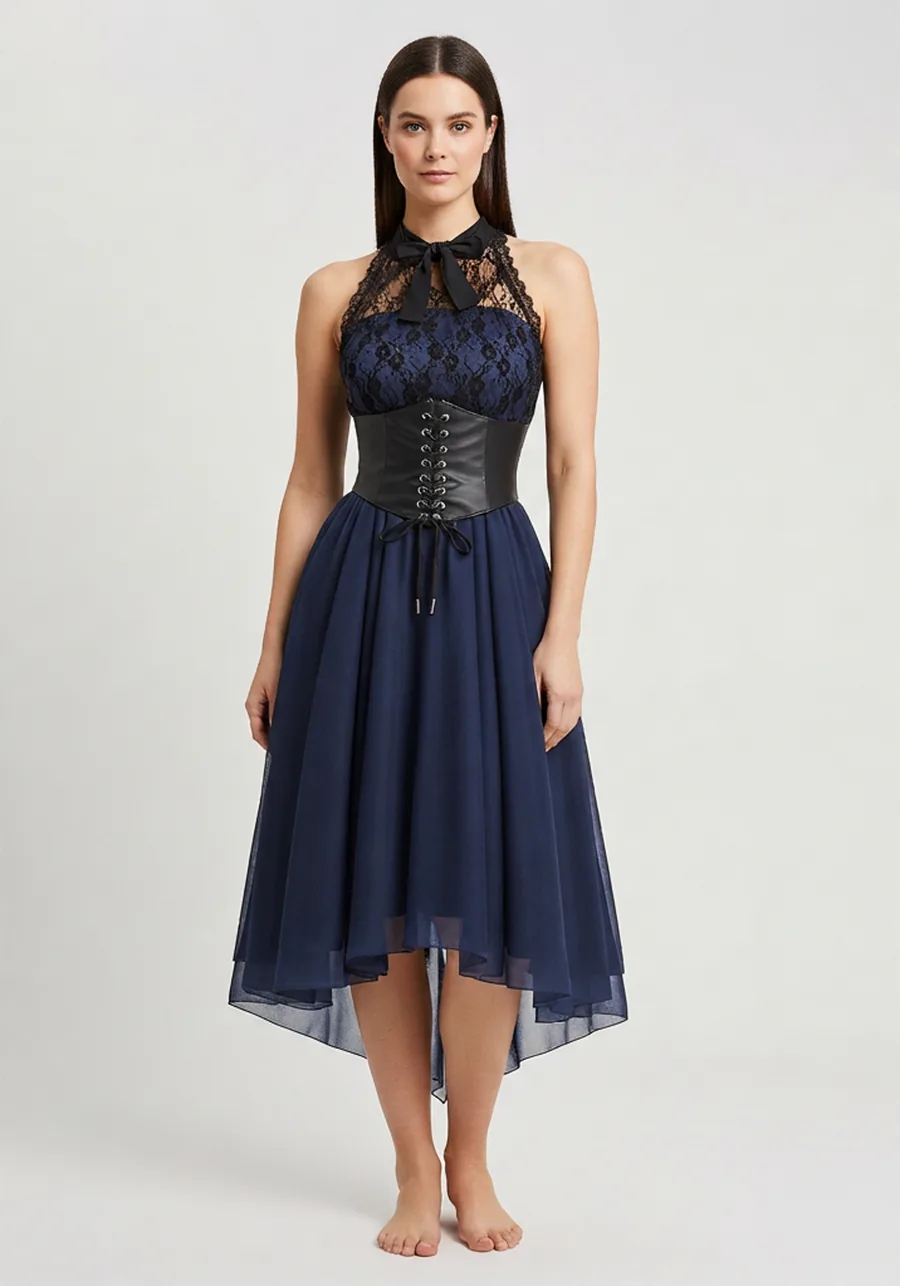 Try-on
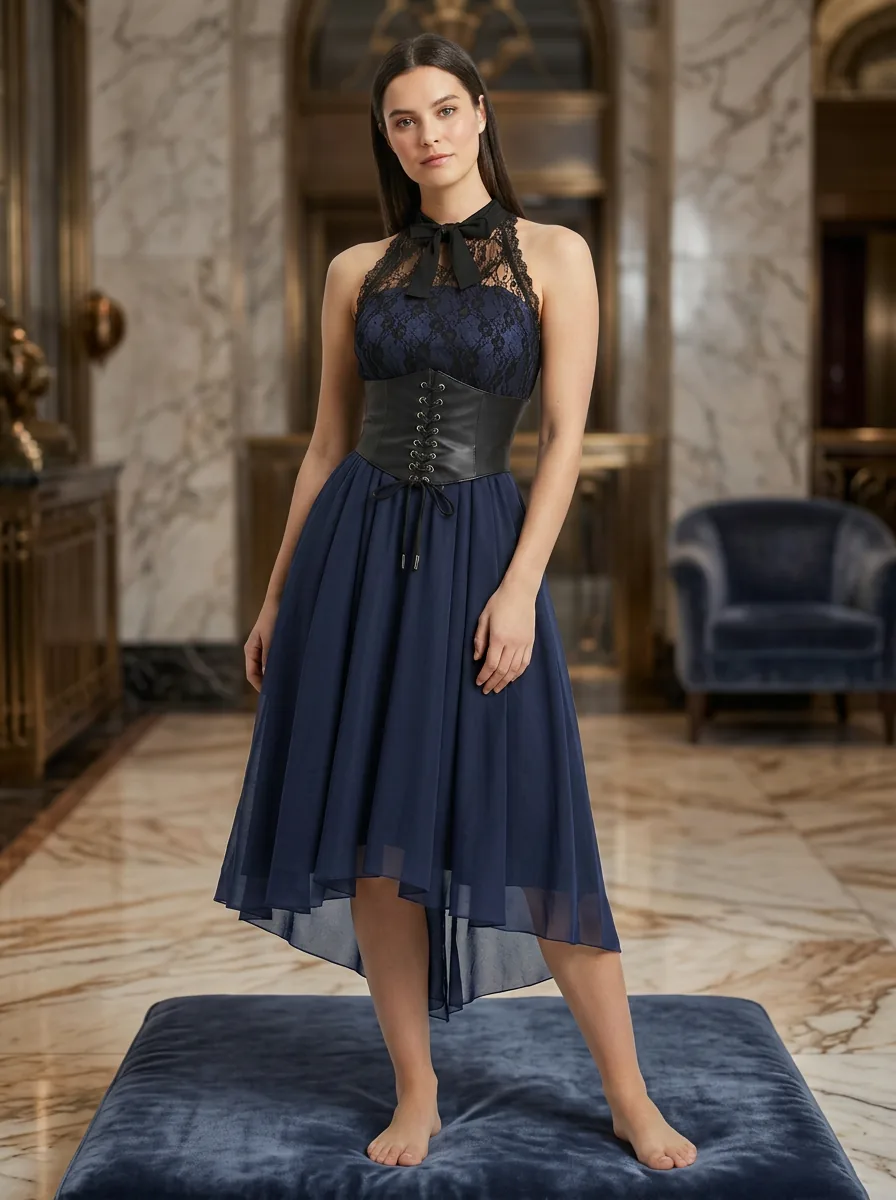 Scene
SceneBackground swap
Optional lifestyle background swap — paired scene from your preset library
Place your product in curated lifestyle presets — minimal studio, urban street, pastel soft, cinematic dark, electronics hero shots, beauty macros, and category-specific sets. Generate fresh scenes, edit the background, or enhance an existing shot. Every version is saved; you choose the one that ships.
Catalog shot · lifestyle scene
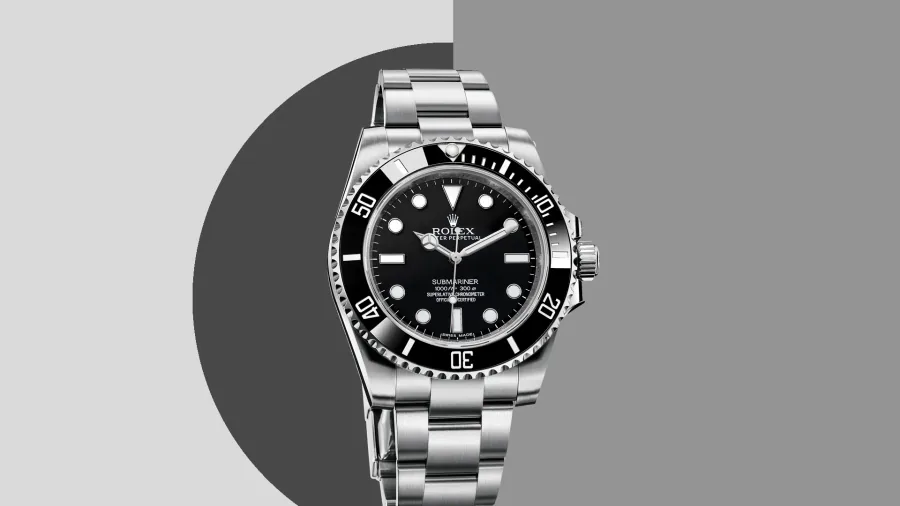 Catalog
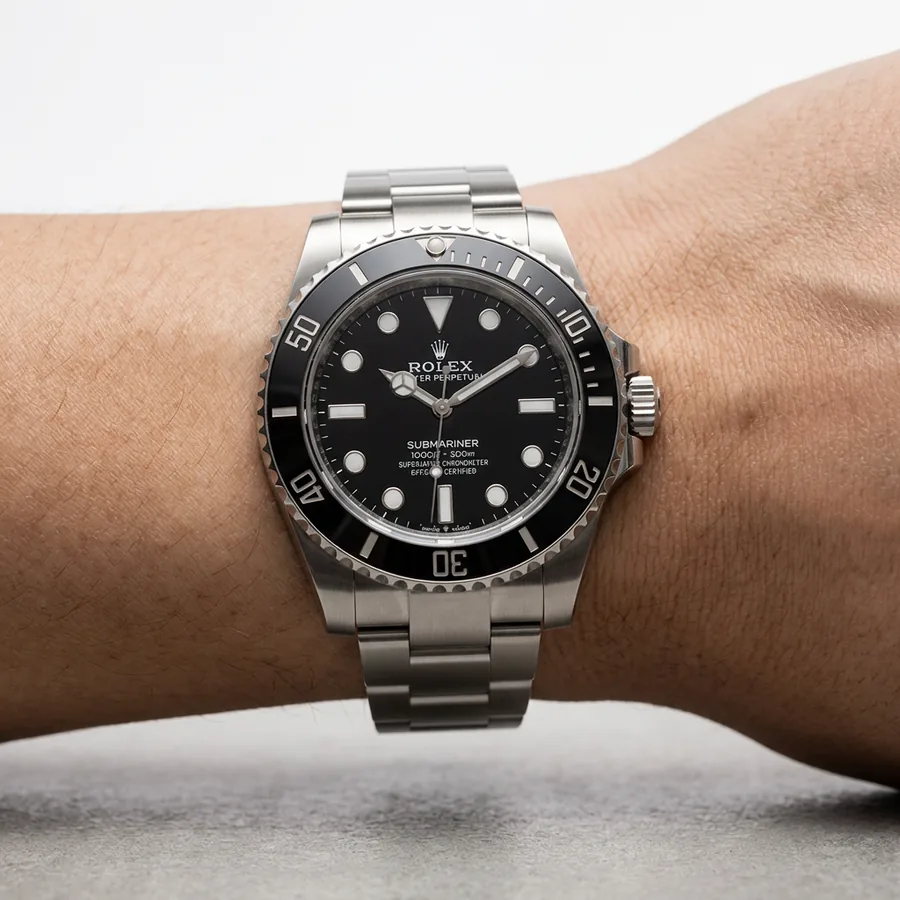 Lifestyle
Turn your best still into an ~8–9 second product video. Moviqen plans a multi-shot storyboard (2–3 clips), generates each with Veo image-to-video, and stitches them into one MP4 — perfect for Reels, TikTok, and paid social. Choose quality tier, motion profile, and from animation presets tuned for product categories.
Try-on motion · lifestyle motion
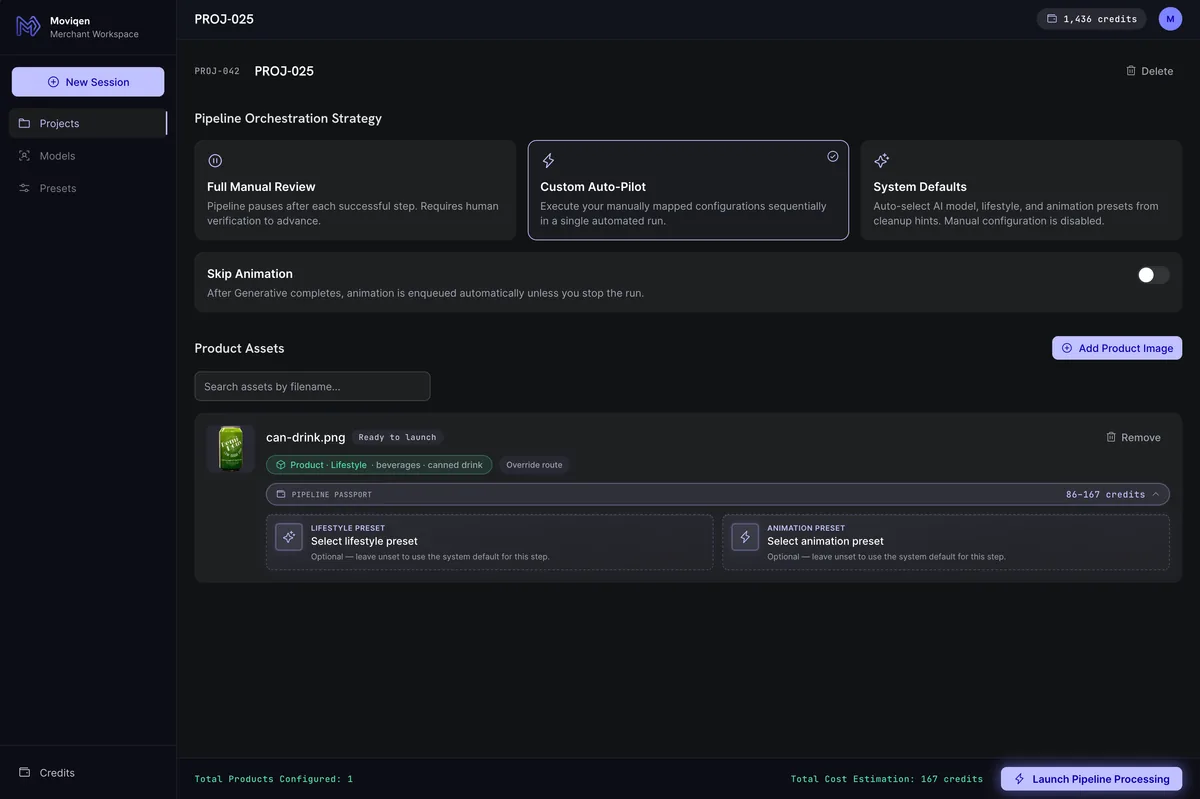
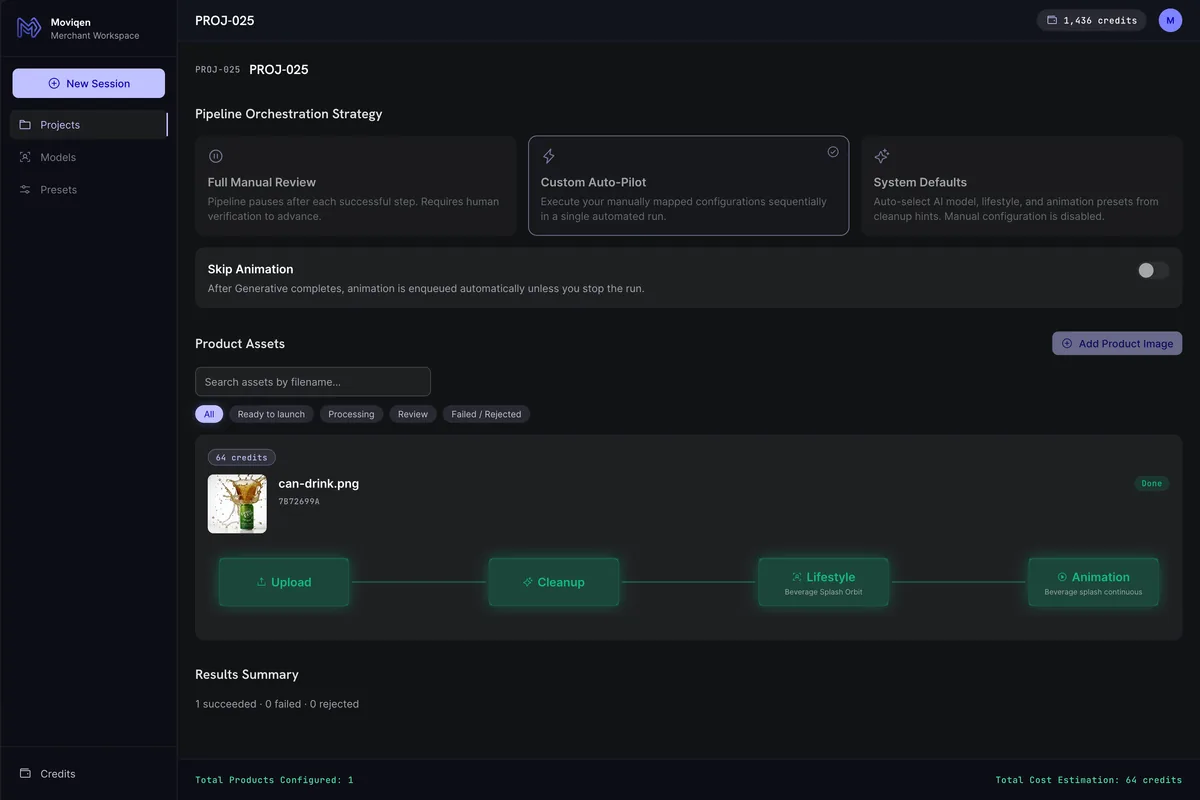
Group uploads into projects. Launch cleanup for every asset at once, track pipeline progress across four steps, and filter by outcome. Three orchestration modes fit how you work — full manual review, custom auto-pilot, or system defaults.
One project · every asset · live pipeline
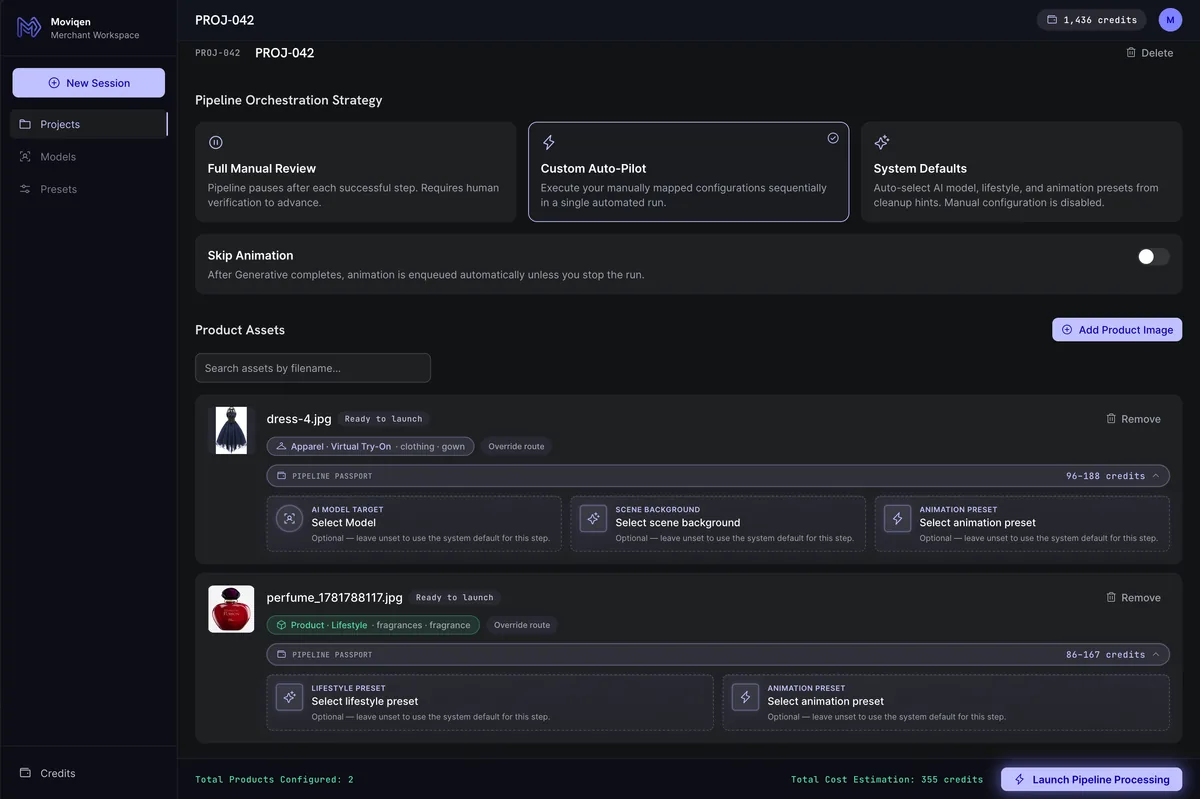
Drag product photos into a project workspace. Files upload directly to secure cloud storage.
AI removes backgrounds, normalizes the product, runs safety checks, and classifies what you’re selling.
Virtual try-on or lifestyle scenes — auto-routed or hand-picked. Edit, enhance, and compare versions.
Optional short video storyboard. Download individual assets or a full ZIP bundle.
List faster with white-bg and square crops out of the box
Try-on without a photoshoot
Lifestyle presets that respect packaging and labels
Hero product shots and unbox-style motion
Batch projects with manual review gates
Without Moviqen
With Moviqen
WithoutBackground tool + Photoshop + model shoots + video editor
With MoviqenOne pipeline, one project view
WithoutGuess which creative fits your product
With MoviqenAI classification + smart routing
WithoutPay per tool, per seat, per export
With MoviqenCredit-based stages with upfront estimates
WithoutLose version history in folders
With MoviqenVariant gallery + selected hero per stage
Moviqen uses credits — roughly 1 credit = $0.01 of value. Subscribe monthly, see per-stage cost estimates before you run, and track usage in your ledger.
Discounted prices are for your first month — renewals bill at the standard rate shown on each plan.
Starter
500 credits per month · ~$5.00
~$1.000 per credit
Try the pipeline
Growth
2,000 credits per month · ~$20.00
~$0.900 per credit
Introductory rate
Scale
5,000 credits per month · ~$50.00
~$0.800 per credit
Introductory rate
Join Moviqen — verify your email, create your first project, and upload a product photo in under two minutes.